 Duora
The couples game that doesn't lie
First each of you answers about yourself. Then each tries to guess what the other answered. In the end the scoreboard shows who knows more — and the answers start a conversation that wouldn't happen otherwise.

- No sign-upopen and play
- No paywallto see the answers
- Honest scoresame questions
- 3 languageswritten natively
Three steps, one good conversation
The mechanic is simple and addictive. A 5-question match takes a few minutes.
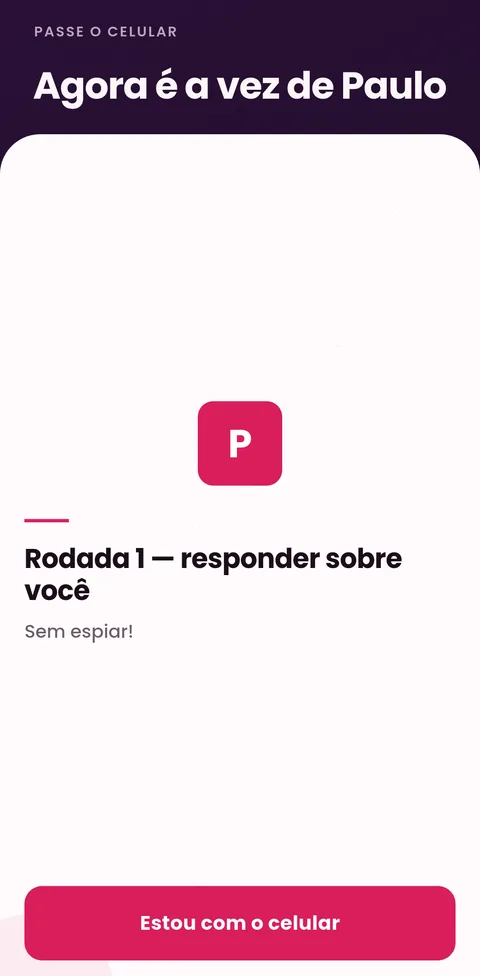
Each answers about themselves
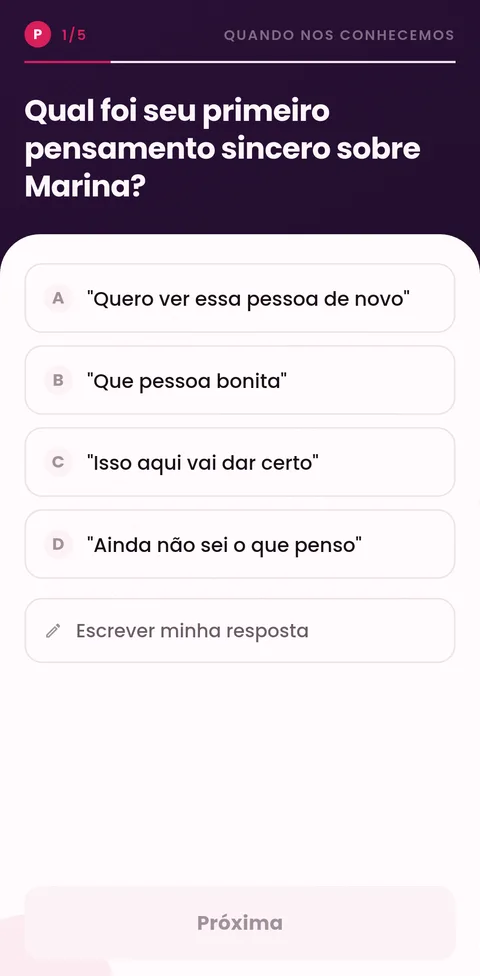
Pick a theme and an intensity. Whoever holds the phone answers the questions — no peeking.
Each guesses the other
In round two the same questions come back: now bet on what your partner answered.
The scoreboard tells the truth
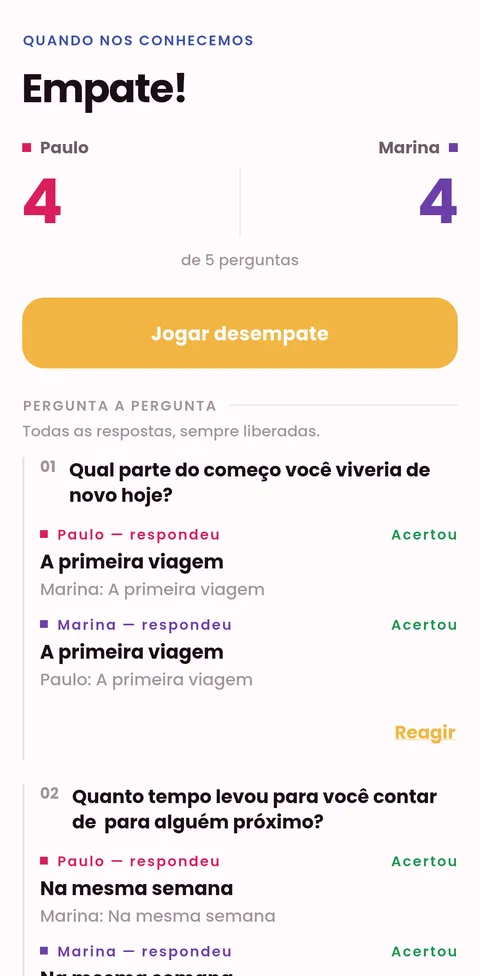
Question by question you see who got it right, react to answers and, on a tie, three new questions decide.
From first guess to final score
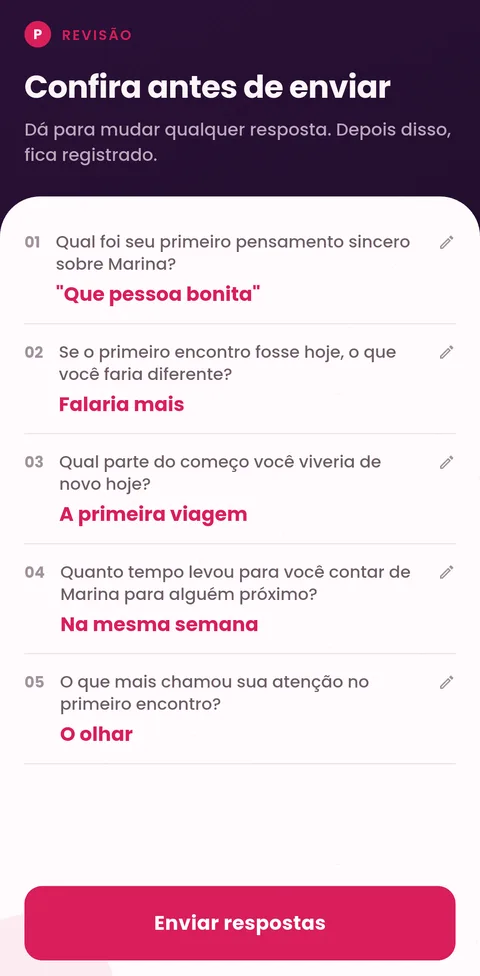
Real screenshots from the Android version (shown in Portuguese).
On the couch or a time zone apart
You're together
One answers, passes the device, the other answers. No account, no internet, no waiting. Works even in airplane mode.
You're apart
One creates a room and gets a 5-letter code. The other types the code and joins. Both play at the same time, each on their own device.
From light to intimate
You pick the theme, the intensity and the match length: 5, 8 or 12 questions. No roulette, no forced draw.
 When we met
 Food & drink
 Movies & music
 Travel
 Romance & dance
 Gifts & surprises
 Style
 Intimacy
 Deep talk
 Would you rather
Built to be fair
Honest scoreboard
Both get exactly the same questions in the same order. If the app versions differ, the room warns you instead of letting you play different matches.
You can fix it
Before sending, review all your answers and change any of them. A wrong tap won't become a wrong score.
No paywall to see
All answers and the full history stay open, always. Charging to see what your partner answered would be charging for the game itself.
Write your own
No option fits? Write your own answer. It becomes a topic.
Tiebreaker & reactions
Tied? Three new questions decide. And you can react to any of your partner's answers at the end.
Report
If someone writes something abusive in distance mode, one tap logs the report and closes the room.
No sign-up. We don't sell anything about you.
Names and history stay on your device and vanish if you uninstall. In distance mode the room lives on our server and deletes itself after 24 hours. To keep the app free we show a Google AdMob banner, which uses your device advertising ID — you can limit it in Android settings.
Frequently asked questions
Is Duora free?
Yes. The app is free and supported by a discreet banner at the bottom. It never shows while you're answering or reviewing, and there are no in-app purchases.
Do I need an account?
No. We don't ask for email, Google account, phone or any sign-up. Open and play.
Does it need internet?
Not on the same phone. Only the “one phone each” mode needs a connection, to link the two devices.
Does it work in different languages?
Yes. The app is in Portuguese, English and Spanish, written natively. If you each use a different language, each reads in theirs and the score still matches.
Who is it for?
Couples aged 18+ — from three months together to twenty years married. The Intimacy theme uses suggestive language, and you choose the intensity.
How do I delete my data?
In the app: Settings → Data → Erase everything on this device. Distance-mode rooms delete themselves after 24 hours. Details on the Data deletion page.